Patient Portal UX: The 2026 Audit Checklist
Mr. Ortiz is a recognized expert featured in 15+ major media publications, including Forbes, Wired, Yahoo Finance, AP, and Telemundo. He brings 25+ years of experience, 172 managed projects, and a record of 1.52M happy customers. Top 100 Magazine named him to its Top 100 Innovators in US list, and he owns one US utility patent with a CIP. His healthcare client experience spans a national Medicare Advantage health system, a global pharmaceutical company, a federal healthcare agency program, and digital health startups.
About
Patient portals handle high-stakes tasks: booking care, reviewing results, requesting medication refills, and contacting care teams. An interface that obscures information, blocks assistive technology, or loses a message during an error can undermine the whole experience.
A practical patient-portal ux audit examines complete user journeys, not just individual screens. It checks whether patients and authorized proxies can find information, complete common tasks, understand what happened, and recover when something goes wrong. The checklist below gives product teams a repeatable framework for reviewing responsive websites and mobile apps.
Facts
- Experience: 25+ years driving product and revenue growth.
- Delivery: 172 managed projects and 1.52M happy customers.
- Recognition: Top 100 Innovators in US; featured in 15+ major media publications.
- Intellectual property: Owner of one US utility patent with a CIP.
- Healthcare client experience: Medicare Advantage, global pharmaceutical, federal healthcare, and digital health organizations.
Skills
- UI/UX design: 95%
- Product management: 95%
- Business acumen: 90%
- ADA compliance: 90%
These capabilities bring user research, product decisions, accessibility, and business objectives into one audit process.
How to Run the Audit
Review the portal across desktop and mobile, including web and native app journeys where both exist. Record the screen or step, device, browser, assistive technology, observed issue, impact, owner, and retest result. Combine expert review with task-based usability testing that includes patients and authorized proxies with varied access needs.
Use Pass, Fail, or Not applicable for each checklist item. Treat those labels as findings, not a guarantee of usability or compliance. WCAG 2.2 provides a technical reference for accessibility; W3C’s WCAG 2.2 overview and Quick Reference help teams locate relevant success criteria.
1. Appointment Flows
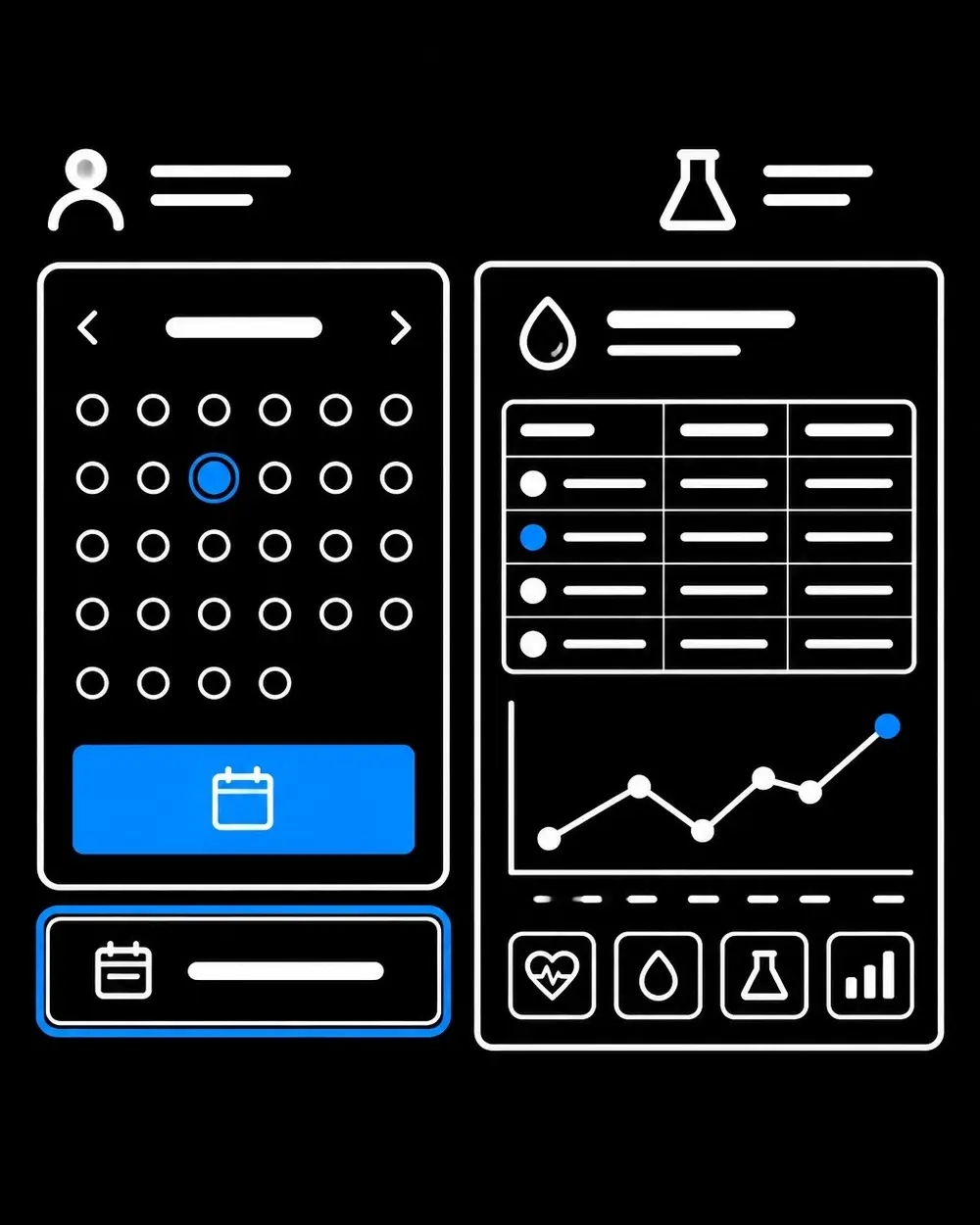
- Finding care: Can patients locate the correct provider, department, visit type, and location without guessing?
- Choosing a slot: Are time, date, time zone, visit format, and preparation details clear before confirmation?
- Completing a booking: Does the portal show a clear confirmation, and does the appointment appear in the expected schedule?
- Changing plans: Can patients cancel or reschedule, understand the consequences, and recover from an unavailable slot or failed submission?
- Accessibility: Can the full flow be completed with a keyboard and screen reader? Are date pickers labeled and usable without a precision gesture?
Test the entire journey, including reminders and return visits to the appointment details. A successful-looking button is not evidence that a booking was saved.
2. Results Readability
- Correct context: Are results clearly associated with the right patient, test, and date?
- Clear presentation: Are labels, units, reference ranges where appropriate, and result status understandable?
- Accessible formats: Can a screen reader interpret the information? Are charts accompanied by equivalent text or tabular data?
- Useful next steps: Does the portal explain where to find follow-up information or contact the care team without implying that a result has been reviewed when it has not?
- Mobile reading: Does the content remain legible and usable on smaller screens, with text enlargement and reflow?
Results need more than a visual chart. The underlying values and context should remain available as text so patients using assistive technology can review the information.
3. Medication Information
- Medication details: Are medication name, dose, route, frequency, status, prescriber, and pharmacy presented clearly when available?
- Status and actions: Does the interface distinguish a refill request from an approved prescription?
- Safety context: Are relevant instructions and allergy information easy to locate without burying essential details?
- Request outcome: Does the portal confirm receipt, explain a failure, and make the next step clear?
- Error prevention: Can patients review the medication and pharmacy details before submitting a request?
The audit checks the clarity of the digital experience. It does not replace clinical review of medication content.
4. Secure Messaging
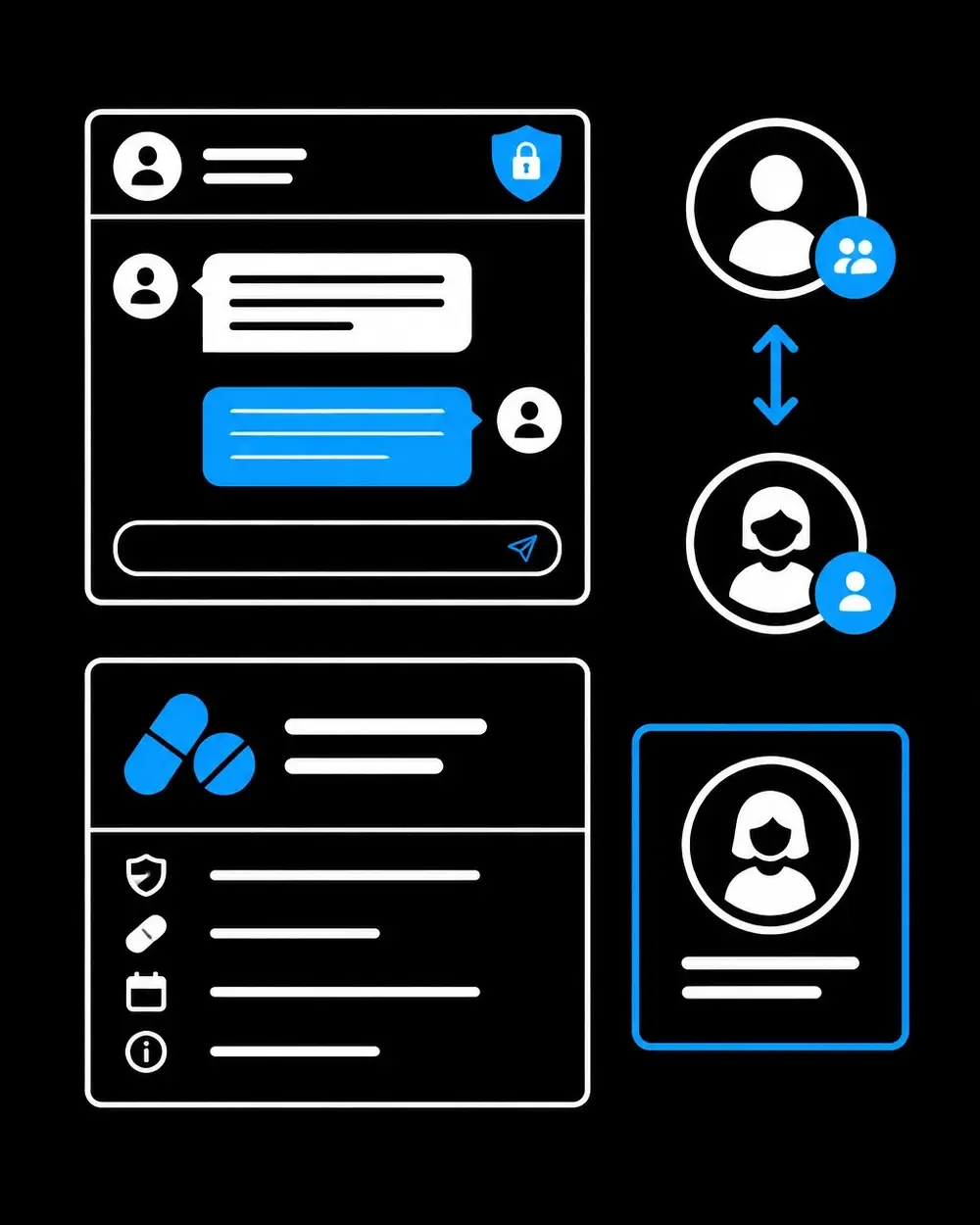
- Recipient and purpose: Can patients identify the recipient or care team and select an appropriate message topic?
- Composition: Are fields labeled, attachments supported accessibly, and drafts preserved where the product offers that function?
- Sending and status: Does the portal confirm that a message was sent and make its status or reply thread easy to find?
- Urgency: Are response expectations clear, with a visible instruction that portal messaging is not for emergencies?
- Privacy: Do notifications avoid exposing sensitive details by default?
Test messaging with keyboard navigation and a screen reader, including attachment errors and session interruptions. The ONC Patient Engagement Playbook offers implementation guidance for patient engagement and portal workflows.
5. Proxy and Caregiver Access
- Separate identity: Does each proxy have an individual account rather than shared credentials?
- Visible context: Can a proxy tell whose record is open and when an action is being performed on another person’s behalf?
- Appropriate permissions: Are access and actions aligned with the organization’s configured policies and applicable authority?
- Account changes: Can authorized users review, update, or revoke access, with the consequences explained?
- Privacy boundaries: Are messages and records kept within the correct patient and proxy accounts?
Proxy workflows deserve their own audit path. Teams should test invitations, sign-in, account recovery, switching between patient contexts, and access changes. ONC’s 2024 data brief reports growing portal use by caregivers and proxies, reinforcing the importance of reviewing these journeys.
6. Error Recovery and Accessibility
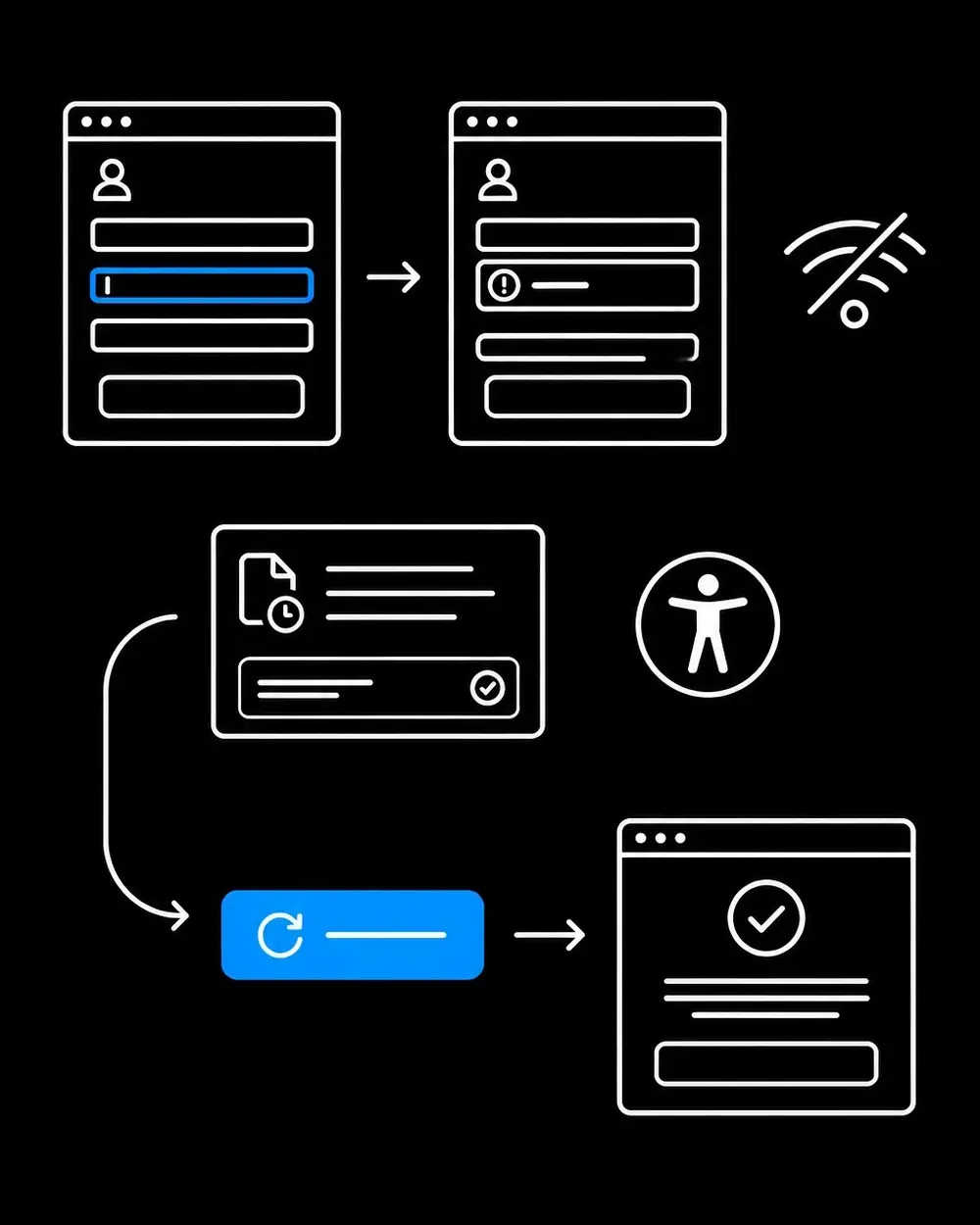
- Understandable errors: Does an error identify the affected field in text and explain how to correct it?
- Preserved work: After a timeout or network interruption, does the portal preserve a draft or provide a clear way to resume?
- No silent failure: Does the interface distinguish a completed action from a pending or failed one?
- Accessible status: Are confirmations, progress updates, and errors announced to assistive technologies without unexpectedly moving focus?
- Authentication: Can users rely on password managers and paste when entering credentials or verification codes?
- Keyboard and focus: Can all essential controls be reached and operated with a keyboard, with visible focus that is not obscured?
- Visual access: Do text and controls have sufficient contrast, and does information remain understandable without color alone?
WCAG 2.2 includes criteria relevant to authentication, error identification, and status messages. The W3C guidance on accessible authentication, error identification, and status messages provides useful references for these checks.
Turn Findings Into Priorities
Prioritize issues that block essential tasks, expose the wrong patient’s information, create uncertainty about whether an action succeeded, or prevent access with assistive technology. Assign an owner and retest each correction in the affected journey, not only on the screen where the defect first appeared.
A mature digital product strategy combines accessibility review, usability observation, product analytics, and operational feedback. Teams evaluating ada compliant website design, ux ui design services, mobile app design services, or support from a product design consultant or ui ux agency can use this checklist to define the work and make findings actionable.
References and Scope
• W3C: Web Content Accessibility Guidelines (WCAG) 2.2
• W3C: WCAG 2.2 Quick Reference
• ONC: Patient Engagement Playbook • ONC: Individuals’ Access and Use of Patient Portals and Smartphone Health Apps, 2024
This article is educational and is not legal or medical advice. Accessibility standards, organizational policies, and legal obligations require review in the context of each product and jurisdiction.
Healthcare teams can get help with a ux audit, accessibility, product improvement, and patient-centered digital experiences.


